Building a SIM-Based AI Voice Agent Without Per-Minute Telephony Billing


Gengini Engineering Team

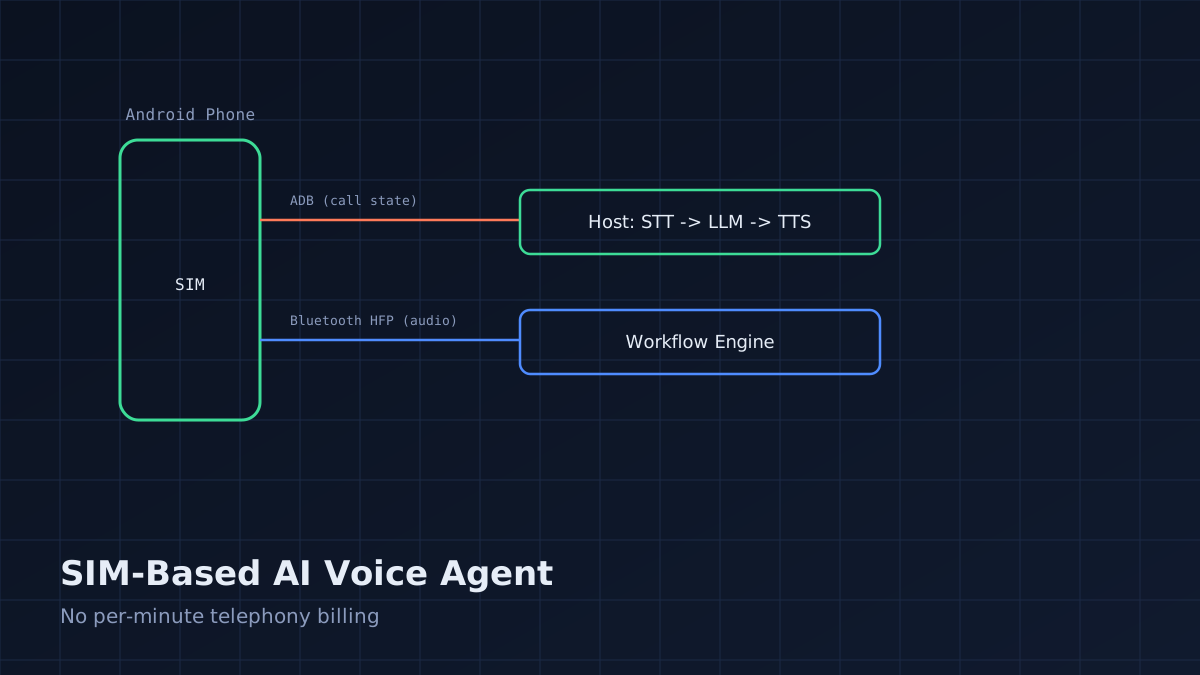
Most AI voice agent tutorials assume you're routing calls through a cloud telephony API (Twilio, Vonage, etc.) billed per minute. That's the right choice for high-volume call centers. It's the wrong choice when you want a dedicated business line, unpredictable call volume, and no linear cost scaling — for example, a single always-on line for a small business or an internal ops line. This is an implementation guide for an alternative architecture: a physical SIM in an Android phone, controlled programmatically, bridged into an AI voice pipeline.
Why This Architecture
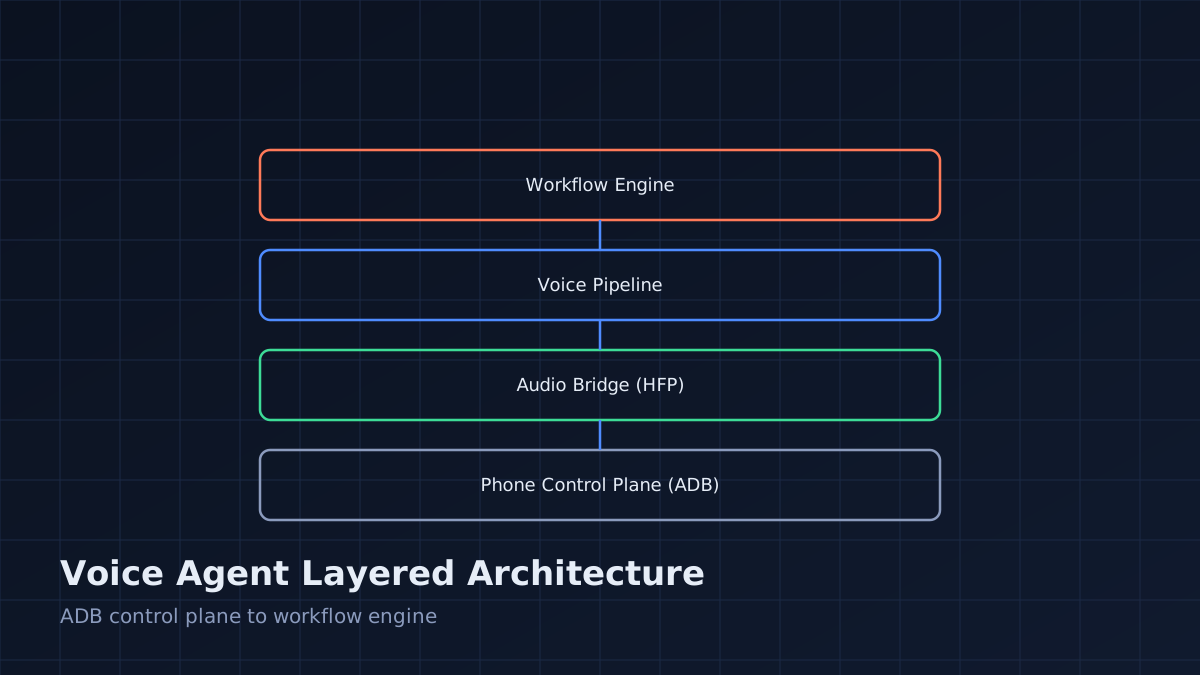
The core idea: instead of terminating calls at a cloud telephony provider, terminate them on an actual cellular connection (a physical SIM in an Android device), then bridge the audio into your voice AI pipeline over Bluetooth HFP (Hands-Free Profile) to a host machine running speech-to-text, an LLM, and text-to-speech.
Tradeoffs versus a cloud telephony API:
Concern Cloud Telephony (Twilio-style) SIM + Android + ADB Cost model Per-minute + per-number Flat SIM plan cost, no per-minute API fee Setup complexity Low (REST API, webhooks) Higher (physical device, ADB automation, HFP bridging) Scale Elastic, thousands of concurrent lines Bounded by physical devices (1 line per SIM/phone) Reliability dependency Provider uptime + your infra Carrier network + phone hardware + your infra Best fit High call volume, elastic demand Single dedicated line, cost-sensitive, low-to-moderate volumeThis is not a replacement for cloud telephony at scale — it's the right tool when you need one or a handful of dedicated lines and want to avoid linear per-minute costs.
Architecture Overview
[Cellular Network]
        │
   [Android Phone] ── physical SIM, answers/receives calls
        │  (Bluetooth HFP - audio in/out)
        │  (ADB over USB/TCP - call control events)
        ▼
   [Host Machine]
   ├── HFP audio sink/source (PulseAudio/PipeWire)
   ├── STT (streaming speech-to-text)
   ├── LLM (turn-taking dialogue engine)
   ├── TTS (speech synthesis)
   └── Workflow engine (business logic, call routing, logging)
Two channels do the work: ADB carries call-state control (ringing, answered, ended) and Bluetooth HFP carries the actual audio in both directions once the call is connected.
Step 1: Prepare the Android Device
- Enable Developer Options and USB debugging.
- Insert the SIM and confirm normal calling works manually first.
- Pair the phone to the host machine over Bluetooth and confirm the HFP profile connects (not just A2DP, which is playback-only and won't give you microphone access).
adb devices
adb shell dumpsys telephony.registry | grep mCallState
Step 2: Detect Call State Programmatically
Use adb shell to poll (or better, stream) telephony state changes. A minimal polling approach:
#!/bin/bash
# poll_call_state.sh
while true; do
  STATE=$(adb shell dumpsys telephony.registry | grep -m1 "mCallState" | awk '{print $2}')
  case "$STATE" in
    "1") echo "RINGING" ;;
    "2") echo "OFFHOOK - call active" ;;
    "0") echo "IDLE" ;;
  esac
  sleep 0.3
done
For production use, prefer a small Android accessibility/telephony service app (installed via adb install) that broadcasts call state changes via PhoneStateListener to a local socket, rather than polling dumpsys — polling works for prototyping but adds latency and CPU overhead.
Step 3: Auto-Answer Incoming Calls
Once RINGING is detected, trigger answer via ADB input events (works reliably on stock Android call UI, but is fragile across OEM skins — test on your exact device/OS combination):
adb shell input keyevent KEYCODE_CALL # answers an incoming call on most stock ROMs
A more robust approach for production is a small companion app with TelecomManager.acceptRingingCall() behind the appropriate ANSWER_PHONE_CALLS permission, invoked via an ADB broadcast intent:
adb shell am broadcast -a com.yourapp.ANSWER_CALL
Step 4: Route Audio Over Bluetooth HFP
On the host, confirm the phone shows up as an HFP audio device:
pactl list cards short | grep hfp
Set the HFP profile explicitly (many systems default to A2DP sink-only, which won't expose a microphone source):
pactl set-card-profile <card-name> handsfree_head_unit
Once HFP is active, you'll have both a source (phone mic → host) and sink (host → phone earpiece) PulseAudio/PipeWire device. Route these into your STT/TTS pipeline the same way you would any other audio device — most STT SDKs accept a raw audio stream or a named device.
Step 5: Wire Up the Voice Pipeline
# pseudocode - pipeline glue
call_state = poll_call_state()
if call_state == "RINGING":
    answer_call()
    audio_in = open_hfp_source()
    audio_out = open_hfp_sink()

    while call_active():
        transcript = stt.stream(audio_in)
        if turn_complete(transcript):
            response = llm.generate(transcript, context=call_context)
            audio_out.write(tts.synthesize(response))
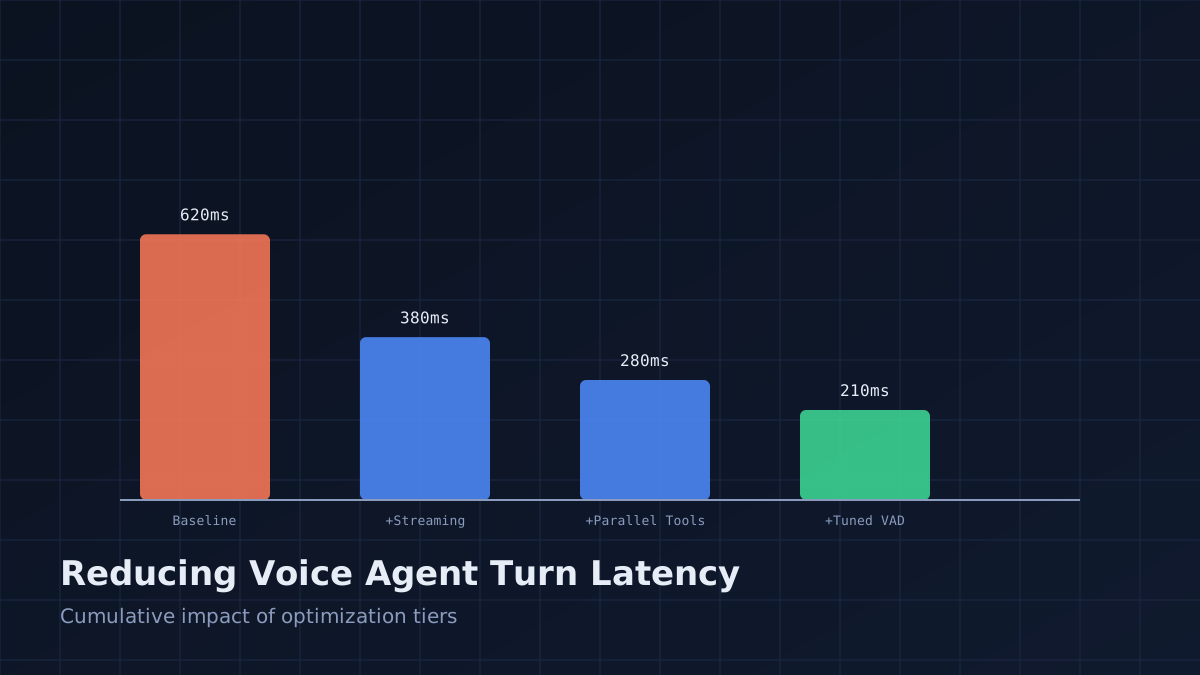
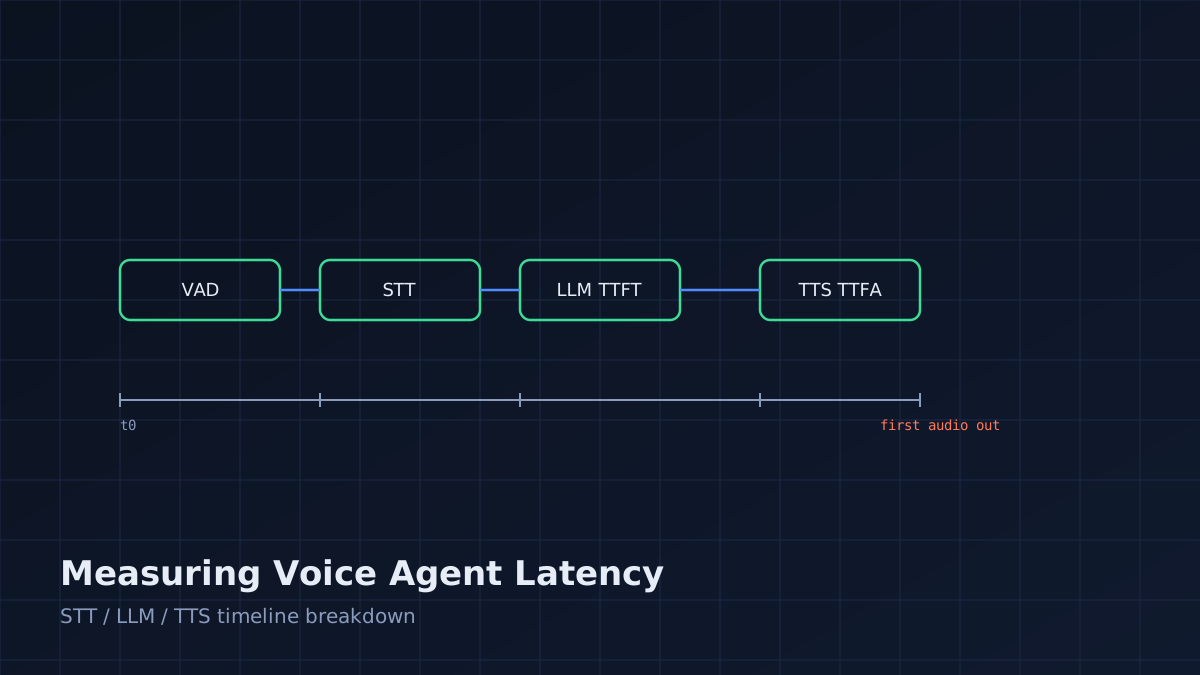
The turn-taking logic (silence detection, interrupt handling) is the same as any voice agent pipeline — see our companion articles on measuring and reducing turn latency for the details that matter once this is working end-to-end.
Operational Considerations
- Device reliability: phones reboot, Bluetooth reconnects can drop mid-call. Build a watchdog that detects HFP disconnect and attempts reconnection, and alerts if a call drops mid-conversation.
- Call recording/compliance: recording calls has legal requirements that vary by jurisdiction — confirm compliance before deploying, independent of the technical setup.
- Battery and thermal: a phone doing this continuously should be on permanent power and monitored for thermal throttling, which can degrade audio quality under sustained load.
- Fallback: keep a manual takeover path (a human can pick up the physical phone) for cases where the pipeline fails mid-call.
When Not to Use This Approach
If you need more than a handful of concurrent lines, elastic scaling, or multi-region redundancy, use a cloud telephony API — the operational overhead of managing physical devices doesn't scale linearly the way cloud infrastructure does. This architecture earns its cost savings specifically in the low-to-moderate volume, cost-sensitive, single-or-few-lines use case.


Gengini Engineering Team
The Gengini Engineering Team writes practical guides on AI automation, automotive middleware, embedded firmware, cloud software, and industrial IoT systems.